FIND ANY MANUAL. RIGHT IN CHROME.
Lost the paper manual? Fixable Manual Finder finds the user manual or owner's manual for your appliance, tool or device and opens the PDF in one click. Ask it a question and the answer names the page.
ADD TO CHROMEFinding and opening manuals is free and needs no account.
On your phone? The Fixable app finds the manual from the type plate.
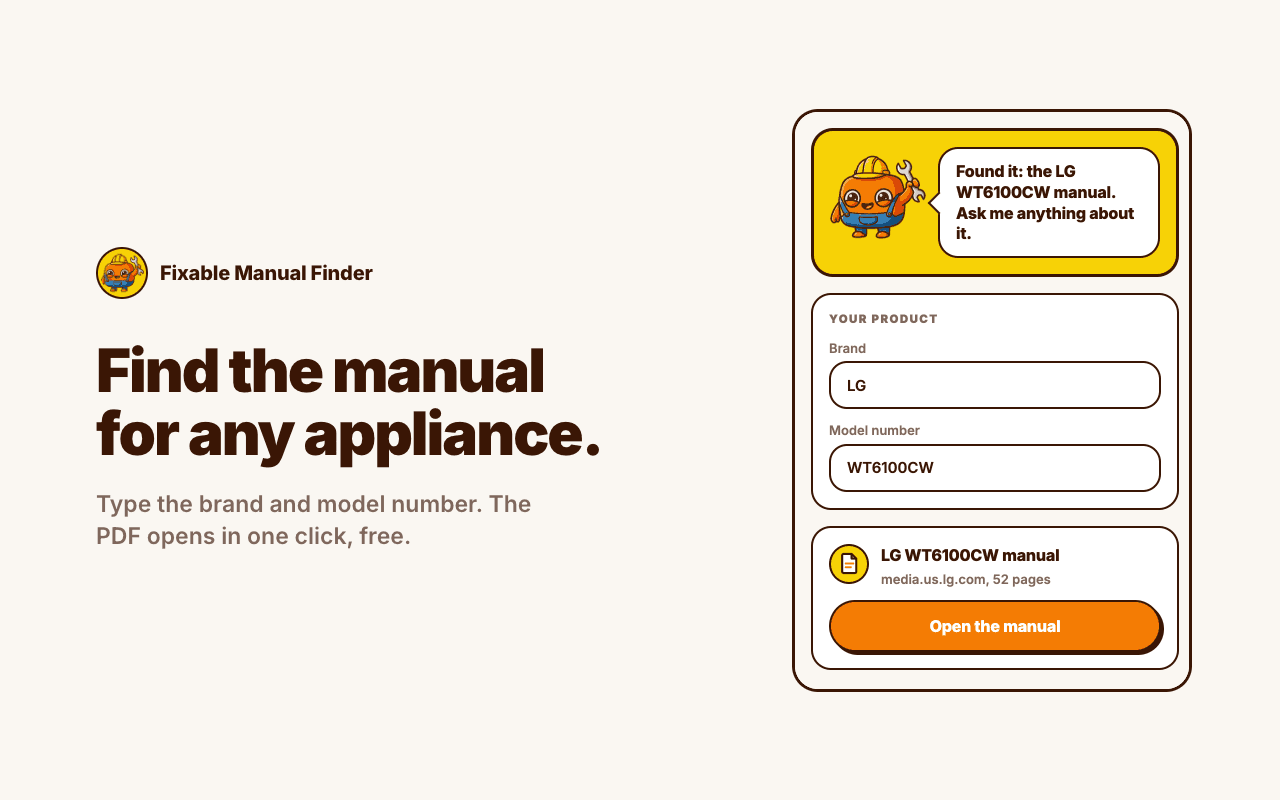
Type the model. I'll find the manual!

HOW IT WORKS
- 1
Type the brand and model
Open the side panel and type the brand and the model number. Fixable searches for the PDF manual of that exact model and opens it in one click. When a manual does not name your exact model, Fixable tells you so.
- 2
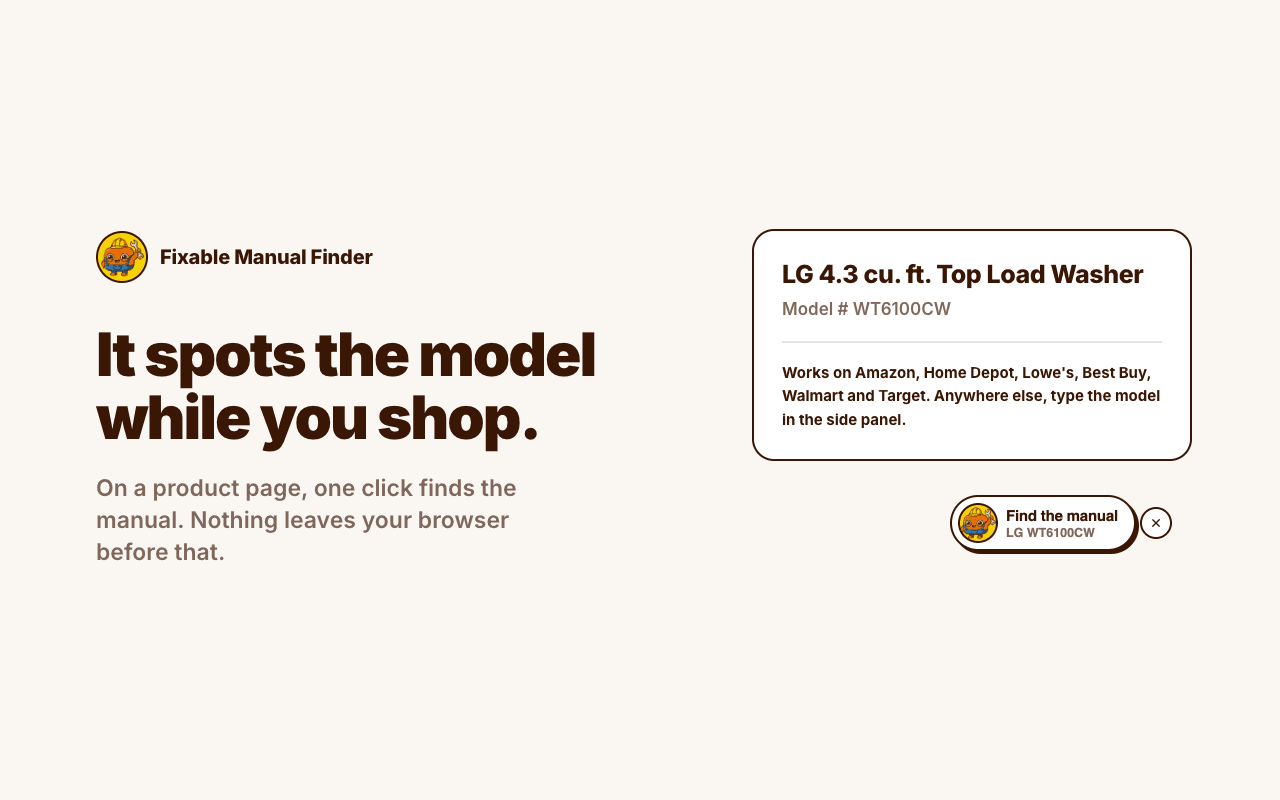
Or let it spot the model
On a product page at Amazon, Home Depot, Lowe's, Best Buy, Walmart or Target, Fixable reads the model number and shows a small "Find the manual" button. Anywhere else, type the model in the side panel.
- 3
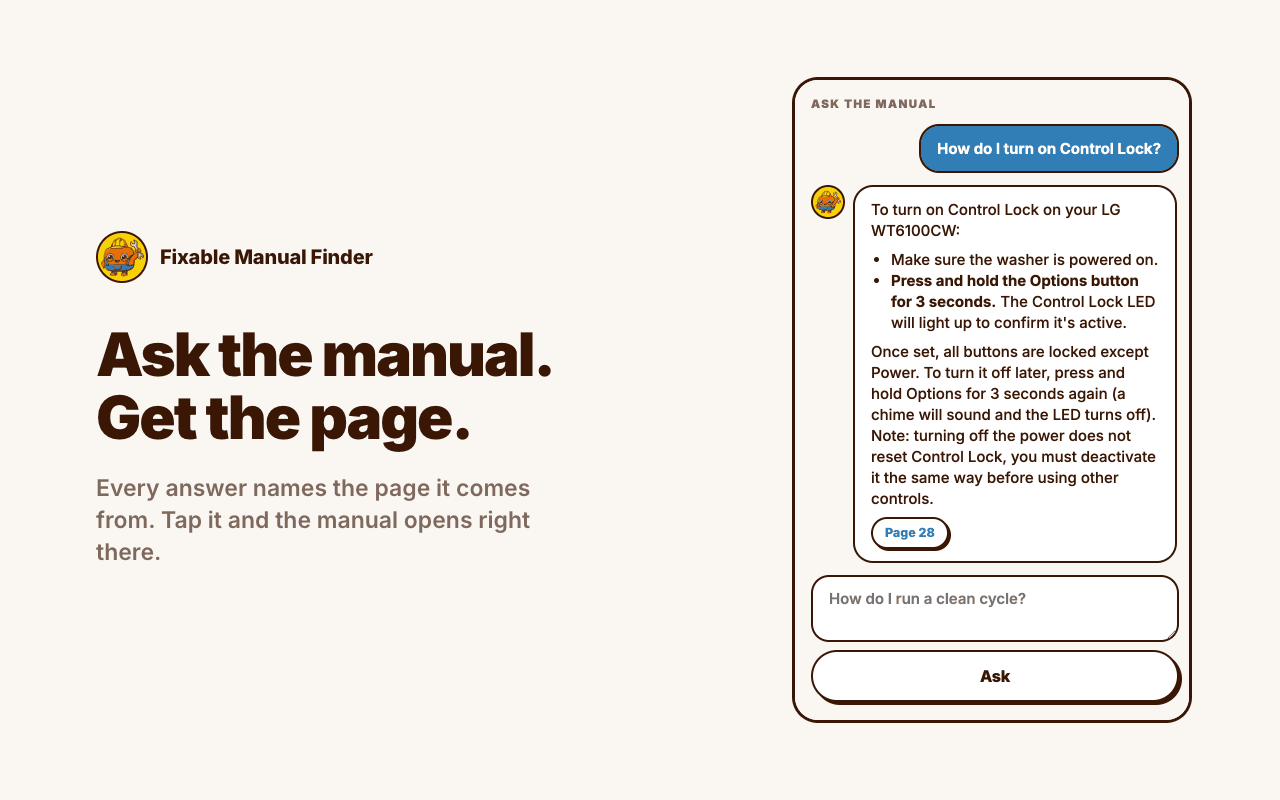
Ask the manual
Ask in plain words, like "How do I turn on Control Lock?". Our AI reads the manual and answers with the page number. Click the page and the PDF opens right there, so you can check it yourself.
WHAT IS FREE
Free, no account
Finding manuals and opening the PDF. Install the extension and use it, there is nothing to sign up for.
With Fixable Pro
Asking a manual questions needs a Fixable account with Fixable Pro, which starts with a free trial. The same account works in the Fixable app on iPhone and Android.
YOUR PRIVACY
Fixable reads the brand and model on the product page inside your browser. Nothing leaves your browser until you click the button or search yourself, and then only the brand, the model and the type of product. No ads, no new tab page, no change to your search engine, no tracking of the pages you visit. The details are in the privacy policy.